Table of Contents
Estimated reading time: 12 minutes
Key Takeaways
- Phone monitoring after a workplace injury is growing. Understand what’s being tracked, why employers use it, and how to protect your medical restrictions and privacy.
- Company devices can often be monitored under policy; personal phones raise consent and state-law privacy questions that vary widely.
- App data is frequently misinterpreted. GPS drift, step-count limitations, and missing medical context make raw data weak evidence on its own.
- Get everything in writing: the purpose, scope, permissions, retention, and who accesses your data. Ask for non-app alternatives when reasonable.
- If you face retaliation, denied benefits based on app data, or overbroad monitoring, talk to a qualified workers’ compensation attorney promptly.
Introduction
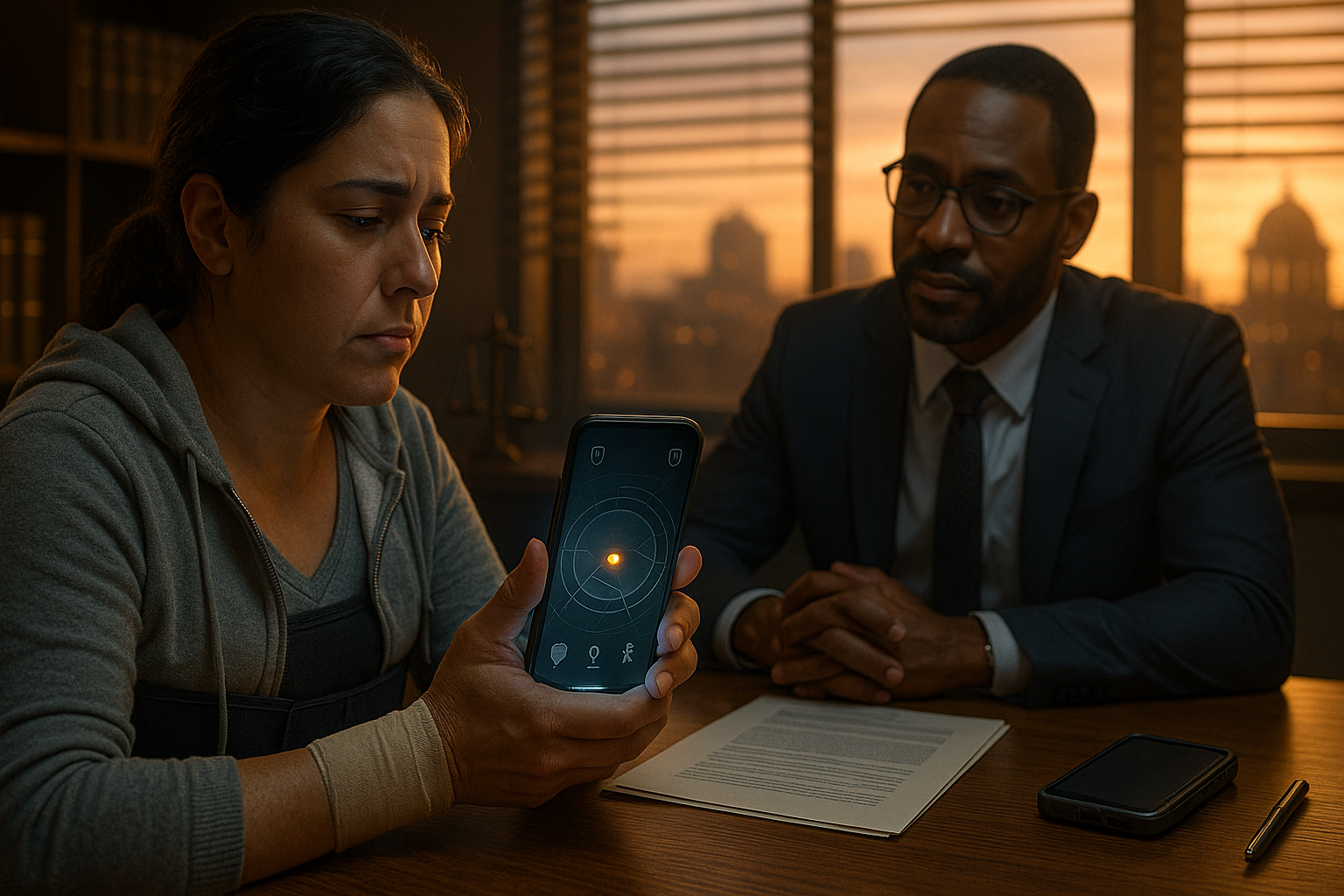
Work injury tracking app rights matter when your employer asks you to install a phone app after a workplace injury — this guide explains what you can be asked to do, what’s lawful, and how to protect your claim. A “work injury tracking app” is a phone application requested or required by an employer to collect data (GPS, steps, activity, geofence alerts, and sometimes call/text metadata) to verify an injured worker’s compliance with light-duty or medical restrictions and to detect potential fraud. “Work injury tracking app rights” are the legal and practical protections an injured worker has when an employer requests app-based monitoring, including privacy rights, workers’ compensation procedural protections, ADA/retaliation protections, and evidentiary protections in claims.
In the pages below, you’ll find: why employers use these tools, the legal framework that governs monitoring, whether you can be required to install an app, which data types get used against claimants, privacy and security risks, a step-by-step protection checklist, copy/paste response scripts, when monitoring crosses the line, how to preserve evidence, when to seek legal help, and key state-by-state resources. We’ll also connect these issues to OSHA’s evolving electronic reporting rules and what they mean for employers and injured workers.
Topics preview:
- Motivations and limits of employer app surveillance workers’ comp
- Legal framework (ECPA/SCA, ADA, OSHA, and state law)
- Phone-monitoring evidence and rebuttals
- Privacy protections and data-security questions to ask
- Practical steps, scripts, and when to get legal help
As you read, we’ll reference practical guidance and plain-language resources, including an attorney Q&A on employer GPS demands and a state-by-state tracker of employee monitoring laws (Avvo Q&A on GPS demands; Connecteam’s state GPS/monitoring overview).
TL;DR / Quick overview
- Can the employer require the app? — Often yes on company devices; BYOD (personal phones) raises consent and privacy issues.
- When monitoring may be used against you — GPS, step counts and geofencing can be used to challenge restrictions but are often misinterpreted.
- Immediate steps — Get requests in writing, request the privacy policy, document medical restrictions, ask for alternatives.
- Get a lawyer if — you’re threatened with firing, benefits are denied based on app data, or private data is accessed without permission.
Why employers use tracking apps after a work injury
Employers use tracking tools to confirm compliance with light-duty restrictions, deter or detect fraud, document return-to-work activity, and manage safety and productivity. In practice, tools range from GPS pings and geofences to step/activity counters and time-stamped check-ins. For example, a geofence might verify that a homebound restriction is followed, and a step counter might be compared to stated lifting or standing limits. These data points can be helpful, but they often lack context and are prone to error.
Some employers see these apps as part of a broader compliance culture. States regulate monitoring differently, and employee notice and consent play an important role, especially for personal (BYOD) devices. For an accessible overview of employee tracking and state-by-state rules, review this state GPS/monitoring summary.
Electronic tracking also intersects with workplace safety and injury reporting. OSHA continues to refine electronic injury and illness reporting, which has heightened employer focus on accurate records and trend analysis. See recent summaries of OSHA’s electronic tracking rule developments and reporting obligations through analyses by Littler, Holland & Knight, and OSHA’s injury reporting hub. These trends explain why some companies want more structured monitoring — but surveillance still has limits grounded in law, consent, and medical necessity for your claim.
Concrete examples to keep in mind: “An employer may ask for GPS to verify you remained within a homebound restriction, or step counts to show whether bending/lifting limits were observed — but these data streams have context limitations.”
Related reading: California-specific surveillance do’s and don’ts in this internal guide to workers’ comp surveillance laws.
Legal framework that matters
The Electronic Communications Privacy Act (ECPA) and the Stored Communications Act limit unauthorized interception and access to electronic communications, but include employer-focused exceptions for business use — they do not categorically prohibit employer monitoring, especially on employer-owned devices. In practice, the line between permitted business monitoring and impermissible invasions can be nuanced and fact-specific, particularly on BYOD phones and outside work hours. For plain-language summaries and state variations, consult the state monitoring overview.
State workers’ compensation and privacy/monitoring statutes vary widely; state law often sets the practical limits on employer monitoring of employees’ phones and on using data in a claim. Because monitoring law varies by state, always check your state’s statutes and board guidance.
The Americans with Disabilities Act (ADA) may require reasonable accommodations and limits invasive disability-related inquiries — monitoring that targets a disability could trigger ADA protections and accommodation discussions. Meanwhile, OSHA’s injury reporting regime underscores employer obligations and prohibits retaliation for injury reporting, as summarized by Littler, Holland & Knight, COSEK Law, and OSHA’s reporting hub.
Practical perspective on employer power vs. employee rights when asked to install GPS appears in this short Avvo Q&A. If monitoring is pushed as a condition of continued employment or light duty, employees should weigh consent carefully, request a company device alternative, and document medical restrictions and any objections.
To the extent you are evaluating workers comp surveillance app legality, anchor your analysis in your state’s monitoring statute(s), consent requirements, and the device involved (company-owned vs. personal), then layer on ADA accommodation needs and OSHA’s anti-retaliation principles.
Can my employer force me to install an app?
On employer-owned devices, employers generally can require installation and monitoring consistent with a written policy. On personal devices (BYOD), monitoring is typically notice- and consent-based, and many states restrict covert or overly broad tracking. In other words, the device (company vs. personal) matters, as does your consent. See the practical discussion in this Avvo Q&A and the state-by-state GPS/monitoring overview.
Handbook policies and signed acknowledgments can shift the analysis. If you signed a clear BYOD monitoring policy, your employer may rely on it to require installation on your device (subject to state law limits). If you didn’t, or the policy is vague or overbroad, ask for a company phone or a narrower option (limited geofence at work locations) instead of full-device monitoring.
Refusal to install can lead to discipline or removal from a light-duty assignment. However, termination or demotion that is retaliatory for filing a workers’ comp claim may be unlawful in many states, and disability-related monitoring issues can trigger ADA protections. If you encounter pressure or threats, document everything and review this explainer on retaliation after a workers’ comp claim. Practical takeaway: You can often negotiate alternatives for app-based tracking injured employee scenarios, especially if you promptly request the policy, scope, retention, and alternatives in writing.
Phone monitoring + workers’ compensation — what employers can use against you
Common data types collected include GPS location history, real-time GPS pings, step or activity counts, geofence alerts, time stamps, and, where permissioned, limited metadata about calls or app usage. In phone monitoring workers compensation disputes, adjusters may argue that your data contradicts your stated restrictions. Here is how each data type is used — and why it’s often misread:
- GPS: Used to show presence/absence from restricted zones (homebound order, clinic visits). Pitfalls: GPS drift, indoor inaccuracies, and nearby locations can create false positives. Medical and transportation context (driver vs. passenger) matter.
- Step counts/activity: Used to suggest you are more active than reported. Pitfalls: Steps don’t measure weight-bearing, lifting, pain, balance, rest breaks, or symptom flare-ups. A “10,000 step day” could reflect short, slow pacing during a pain spike.
- Geofencing: Used to show entry/exit at specific sites. Pitfalls: Radius errors, location spoofing accusations, and lack of the “why” for being there (medical appointment, child care, pharmacy) undermine reliability.
- Metadata (call/text logs): Even without content, access to metadata raises legal and ethical risks. Content access is typically off-limits; metadata access should be proportionate and permissioned.
Rebuttal strategies: pair app data with treating clinician notes, symptom diaries, and device error examples (e.g., GPS drift screenshots, step counter miscounts). Authentication is often weak, and oppressive or overbroad collection reduces evidentiary weight. Context and medical necessity always matter. For a broader discussion of modern employer reporting and data use, see Littler’s OSHA analysis. Also review internal guidance on social media and workers’ comp claims and what to do if you’re “caught on video”.
Privacy risks and data security concerns
These apps can collect location history, health-related activity metrics, and residual personal information that may be retained, shared with third parties (insurers, TPAs, vendors), or exposed in a data breach. On BYOD phones, permission prompts can be confusing, and default settings may be broader than necessary.
Questions to ask your employer:
- What is the precise purpose of the app and how will the data be used?
- Exactly what data fields does the app collect (GPS pings, steps, accelerometer, call metadata, photos, contacts)?
- What is the retention period and deletion policy for collected data?
- Who will have access (HR, managers, safety officers, external vendors, insurers)?
- What security measures protect the data (encryption at rest/in transit, breach notification, access logs)?
- Will data be shared with third parties (TPAs, insurers)? On what legal basis?
Ask for the app’s privacy policy and any data flow diagram in writing. Save screenshots of permissions and settings before and after installation. For consent and device issues, see the Avvo GPS Q&A and the state monitoring overview.
Practical steps to protect yourself — detailed checklist
- Get the request in writing: Save all emails, texts and written policies asking you to install the app.
- Request the app’s privacy policy and a written description of data collected, retention, access, and purpose.
- Ask for the legal basis for monitoring in writing — is it company policy, part of return-to-work, or conditional employment?
- Ask your treating clinician to document exact restrictions (no lifting >X lbs, no driving, max standing hours) and attach that to your file.
- If possible, request a company-owned device or a non-app alternative (phone check-ins, in-person reporting, limited geofence only).
- Limit permissions during installation — deny mic/camera/contacts unless absolutely required; take screenshots before/after installation showing granted permissions and app settings.
- Make a contemporaneous log: each day note symptoms, medication, activities, and time intervals that correlate to any app data.
- If you must consent, request a written, time-limited consent form specifying scope and automatic removal date.
- If pressured or retaliated against, immediately notify HR, your union rep (if any), and contact the state workers’ comp board; consider contacting an attorney early.
Practical tips: If installing, perform a baseline screenshot of your home screen and disable unrelated app permissions. Consider using a second phone if available — but check state law before sidestepping BYOD rules. For policy/consent angles, revisit the Avvo Q&A and state overview. If your injury is in California and you need a refresher on preserving benefits while you sort out monitoring, see how to file a workers’ comp claim in California and what to do right after an injury.
How to respond to a monitoring demand — scripts & sample responses
Use these templates to keep the record clear and professional. Always CC your treating clinician and union rep/attorney (if applicable). Save sent copies and any replies; convert to PDF for your case file.
Request Clarification Email
Subject: Clarification on Requested Tracking App for My InjuryDear [HR/Manager],Regarding your request to install [App Name] for my workers' comp light-duty, please provide:- Privacy policy and data collected.- Retention/access details.- Alternatives to personal phone use.Thank you,[Your Name]
Conditional Consent Email
Subject: Conditional Agreement to [App Name] InstallationI'll install with limited permissions (location/steps only, no contacts). Please confirm this meets requirements and provide the policy.
Refusal with Request for Alternative Email
Subject: Request for Alternative to Tracking AppI respectfully decline personal phone installation due to privacy concerns. Can we use a company device or manual check-ins?
When monitoring may violate the law or be successfully challenged
- Reading private communications without consent: Accessing text or email content can violate ECPA/state privacy laws. Preserve evidence and consider immediate complaints and legal counsel. For consent and scope, see the state monitoring matrix and Avvo Q&A.
- Overbroad collection: Capturing contacts, photos, or 24/7 GPS unrelated to restrictions may be disproportionate and challengeable. Ask for a narrower method (e.g., geofence at work only, scheduled check-ins).
- ADA accommodation failures: Monitoring that undermines disability-related needs or reasonable alternatives (like phone check-ins) can contradict ADA obligations. Put accommodation requests in writing.
- Retaliation: Adverse actions tied to filing a claim or objecting to invasive monitoring may be actionable under state law; document dates, witnesses, and copies of all communications.
Evidentiary consequences: Data can be excluded or given little weight if it was collected without proper consent, lacks authentication, or is scientifically unreliable (e.g., GPS drift). Medical testimony and contemporaneous logs are powerful rebuttals.
For a deeper look at employer app surveillance workers comp risks and compliance trends, track OSHA reporting commentary from Littler and Holland & Knight.
Evidence and documentation to preserve your claim
- Medical records and return-to-work orders; obtain copies of treating notes and restrictions.
- All communications with employer/HR/insurer about the app (emails, texts); save as PDFs.
- Screenshots of app permissions, settings, data displays (with timestamps).
- A daily diary of pain level, functional limits, activities, medications, and flare-ups (timestamped).
- Copies of company policies/handbook monitoring or BYOD language.
- Written requests for raw app logs, access logs, and data deletion confirmation.
Use this documentation to rebut surveillance with medical declarations explaining why steps/GPS don’t defeat restrictions, show device/algorithm errors, and align your logs with medical visits and symptom cycles. For help organizing proof, use this step-by-step guide to documenting a work injury.
When to get legal help
- You are threatened with termination for refusing the app.
- You see or suspect access to private communications or non-work data.
- Benefits are denied or reduced after employer-submitted app data.
- Employer refuses reasonable alternatives or accommodation requests.
What a lawyer can do: negotiate alternatives (company device, limited collection), seek protective orders or exclusions for improperly obtained data, file retaliation/privacy claims, and obtain subpoenas for raw data and expert accuracy reviews. Contact counsel early — swift guidance can preserve evidence and prevent avoidable mistakes. If you need a starting point on benefits and timelines, browse this overview of workers’ compensation benefits or consult a California-focused workers’ compensation attorney.
State-by-state differences and resources
Monitoring and evidence rules vary by state, so check your state’s workers’ comp board and privacy statutes. As a locator, use the state GPS/monitoring overview and OSHA’s injury reporting page. For retaliation and protected concerted activity, see the NLRB’s employee rights page. State workers’ comp homepages for quick reference:
- California: Division of Workers’ Compensation
- New York: Workers’ Compensation Board
- Texas: Division of Workers’ Compensation
- Florida: Division of Workers’ Compensation
- Illinois: Workers’ Compensation Commission
- Pennsylvania: Department of Labor & Industry
- Ohio: Bureau of Workers’ Compensation
- Georgia: State Board of Workers’ Compensation
- North Carolina: Industrial Commission
- Washington: Department of Labor & Industries
Editorial note: state links and case citations should be verified for currency before publishing.
Employer best practices
- Narrow the stated purpose to work-injury verification only.
- Collect only minimum necessary data (e.g., geofence only while at work).
- Time-limit monitoring and delete data after a short retention period.
- Offer company devices or reasonable non-app alternatives for BYOD.
- Provide written policies, data access logs, and security protections.
For context on reporting and responsible electronic tracking, see analyses by Littler and Holland & Knight.
Case studies / hypothetical examples
Scenario 1 (GPS demand → firing)
Facts: Following a back injury, an employee is told to install a GPS app on their personal phone without any written policy or consent form. They refuse and are fired for “non-compliance.” Problem: Lack of policy/consent and overbroad BYOD monitoring. Outcome: Through counsel, the worker alleges retaliation and privacy violations; the case resolves with reinstated benefits and policy changes. See the practical tensions noted in this Avvo discussion.
Takeaways:
- Get policies and purposes in writing.
- Negotiate a company device or a narrower alternative.
- Document all threats and adverse actions.
Scenario 2 (Step counts → denied claim)
Facts: An insurer cites high step counts to deny wage-loss benefits, claiming the worker is “more active than alleged.” Rebuttal: Treating physician explains step counts do not capture lifting, pain spikes, or weight-bearing limits; symptom logs and therapy notes support limitations. Outcome: Benefits restored after medical context is presented.
Takeaways:
- Pair app data with clinical notes and daily symptom diaries.
- Explain device errors and context (pace, rest, terrain, duties).
- Authenticate or challenge data reliability and relevance.
Scenario 3 (Negotiated alternative)
Facts: Worker requests a company-owned phone limited to geofencing at the worksite during shifts, instead of 24/7 BYOD tracking. Outcome: Employer agrees; the return-to-work proceeds without broad personal monitoring.
Takeaways:
- Propose limited, purpose-tied solutions in writing.
- Time-limit monitoring and confirm deletion schedules.
- Revisit scope if restrictions change or duties expand.
Conclusion: Protect your work injury tracking app rights
Phone-based monitoring can create friction between medical recovery and evidentiary demands. Keep the process measured: get written policies, limit permissions, align data with medical context, and preserve a strong record. If the scope feels invasive, overbroad, or retaliatory, negotiate alternatives and consider counsel, especially where state law and ADA issues intersect.
This article provides general information and does not constitute legal advice. Laws differ by state and change over time — consult a licensed attorney in your state about your situation.
Need help now? Get a free and instant case evaluation by Visionary Law Group. See if your case qualifies within 30-seconds at https://eval.visionarylawgroup.com/work-comp.
FAQ
Can they see my personal messages?
Not without explicit permissions. Many monitoring tools can collect location and activity data, but content access is different from metadata. Deny unnecessary permissions, ask for the policy, and put limits in writing. For state-by-state rules on device monitoring, see the state GPS/monitoring overview.
Can the data be used to deny my claim?
It can, but raw data is often misinterpreted. In phone monitoring workers compensation disputes, combine medical notes, symptom logs, and device error examples to add context. OSHA-focused employer reporting trends are summarized by Littler and HK Law.
Can I be fired for refusing the app?
Discipline is possible, particularly on company devices and where policy exists. But termination that retaliates for a comp claim may violate state law, and ADA accommodations may limit overbroad monitoring. See the practical discussion in this Avvo Q&A and review your state’s retaliation protections.
Do I have to install it on my personal phone?
Not necessarily. BYOD monitoring often depends on consent and clear notice. Ask for a company device or limited geofence solution. For policy variations, use the state law overview and consider counsel if you face pressure. This is a common issue in app-based tracking injured employee scenarios.
Is monitoring legal on workers’ comp cases?
Monitoring can be lawful with proper consent and scope, but limits exist. State privacy rules govern much of workers comp surveillance app legality, and overbroad collection can be challenged. If collection seems unrelated to your restrictions, request narrowing in writing and keep a strong paper trail.
Note on keywords for editor review: work injury tracking app rights, employer app surveillance workers comp, phone monitoring workers compensation, workers comp surveillance app legality, app-based tracking injured employee.